
How to Create an Account and Sign In
1xBet login and registration information for Indian users covers account IDs, phone numbers, email access, and password recovery. Review signup methods, INR settings, promo-code conditions, and two-factor authentication. Learn how to check missing verification messages and protect existing account details. Read the legal notice before taking action. India's nationwide restrictions on online money games affect registration, payments, and real-money play.
New and existing 1xBet players from India can take part. 18+. Full terms apply on the official site.
1xBet login India requires credentials associated with your existing account. These may include an account ID or a linked contact. Registration records should contain accurate personal details and accessible recovery contacts. Password protection and additional authentication help prevent unauthorised account access. Account creation, contact confirmation, and identity verification serve different purposes. Completing one stage does not automatically complete the others.
Indian users must assess legal restrictions before considering any new account. National legislation prohibits online money games and related payment facilitation. A working registration page does not establish permission to bet. Existing users may need help recovering access or resolving account issues. The sections below explain account procedures and security checks. Available fields and features depend on the interface presented.
How to Register on 1xBet India
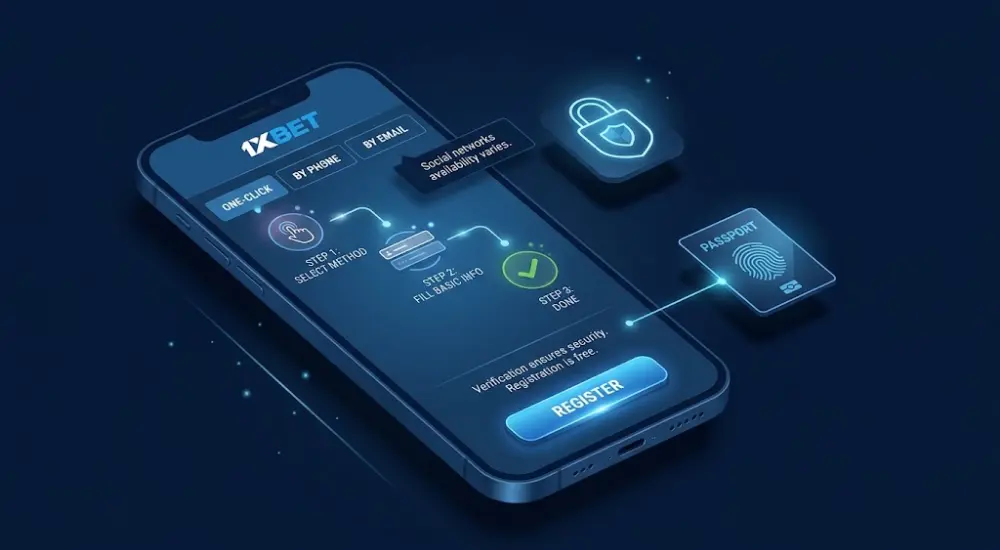
1xBet registration information describes One-Click, phone, and email methods. Social networks or messengers may appear on some versions. Their availability for Indian users is not confirmed. Use only an authenticated 1xBet official website or app to reduce phishing exposure. Registration itself should not require a payment. A short form may take minutes, but completion and verification times are not guaranteed.
The following steps describe form handling where these options are available and their use is lawful. They do not establish current Indian eligibility.
| Method | Approximate form-entry time | Suitable use | Contact verification |
| One-Click | Potentially under 1 minute | Minimal initial data entry | Contact details added later |
| Phone | Approximately 2–3 minutes | Mobile-number-based account setup | SMS confirmation where requested |
| Approximately 3–5 minutes | Setup using an accessible inbox | Email link or code | |
| Social or messenger | Approximately 1–2 minutes, if offered | An existing supported identity | Provider authorisation; additional checks possible |
Times are planning estimates, excluding delivery delays and identity checks. No method removes age, residence, or verification requirements.
One-Click registration
- Open Registration and select One-Click if displayed.
- Check the country and account currency fields. India and INR must be available and appropriate for your actual residence.
- Review any optional registration promo-code field before submission.
- Read the terms and age declaration carefully. Do not confirm statements that are inaccurate.
- Save any generated account ID and password immediately in a password manager.
- Replace a generated password with a unique personal password when permitted.
- Open My Account and complete missing personal information. Add accessible recovery contacts before relying on the profile.
One-Click account creation does not complete KYC. Missing identity or payment-ownership information can delay later account reviews.
Registration by phone number (+91)
- Choose the phone registration option if available.
- Select +91 in the country-code selector. Enter the 10-digit Indian mobile number without repeating that prefix.
- Check the country and INR currency selection before continuing.
- Enter an eligible bonus code only in the designated field, if present.
- Request the verification message and enter the latest valid SMS code.
- Create a password that meets the displayed requirements. Prefer at least 12 characters with varied character types.
- Complete any remaining declarations and retain your account ID.
SMS delivery can take longer than several seconds. Do not repeatedly request codes while a resend timer remains active.
Registration by email
- Select email registration and enter an inbox you control.
- Set the actual country of residence and an appropriate supported currency.
- Enter your full legal name, birth date, city, and mobile number wherever requested.
- Match identity details to documents accepted for verification. Avoid abbreviations that change your legal name.
- Create a unique password and review any optional promo-code field.
- Read the terms and confirm the age declaration only if eligible.
- Submit the form and complete the email link or code confirmation provided.
- Complete personal fields deferred to the account profile.
The 1xBet sign up form may collect fewer details initially. A working email address remains necessary for email-based recovery.
Registration via social networks and messengers
- Check whether a social or messenger option actually appears.
- Select only a displayed provider, such as Google, Facebook, or Telegram, if supported.
- Review the provider’s authorisation screen and requested permissions.
- Confirm country and currency settings where presented.
- Complete missing profile fields after returning to the account.
- Record the account ID and add recovery details if permitted.
Provider authorisation does not replace identity verification. Do not create another profile because the original social sign-in becomes unavailable.
How to Log In to Your 1xBet Account
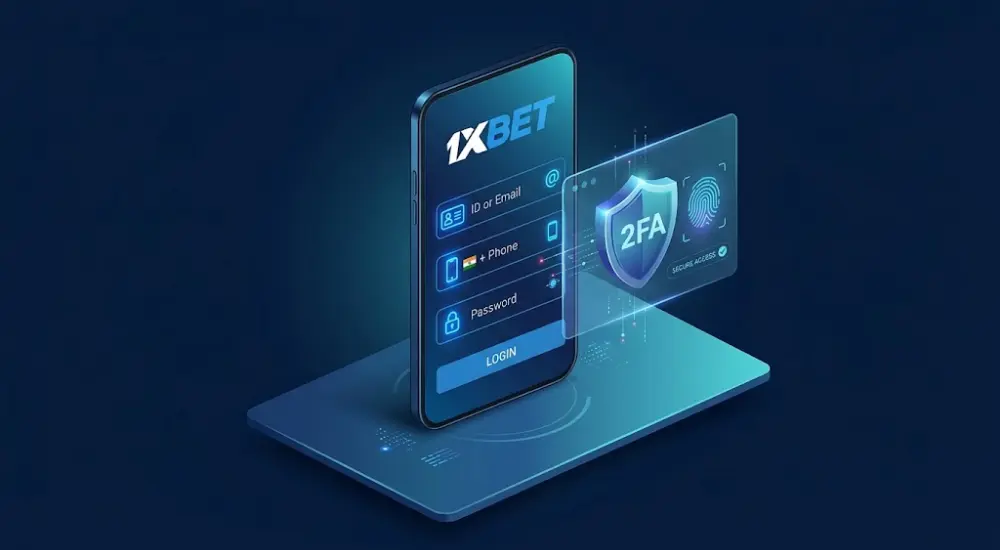
Use an identifier accepted by the login form and linked to your account. Your numeric ID remains useful when contact-based access fails. A registered email or phone works only where supported and properly associated. Two-factor authentication adds another check after the password.
| Access method | Required information | Practical limitation |
| ID, email, or phone | Accepted account identifier and password | Contact details must belong to that profile |
| Social sign-in | Previously linked provider account | The provider must remain accessible |
| App with biometrics | Existing session and supported biometric setting | Availability depends on the app and device |
Login with ID, email or phone number
- Open the verified website or an already authenticated app installation.
- Select Log In and inspect the accepted identifier formats.
- Enter your numeric account ID, or a supported linked email or phone.
- For 1xBet login with phone number, follow the displayed international-number format.
- Enter your password without unintended spaces or keyboard-layout changes.
- Complete any CAPTCHA and additional security challenge.
- Confirm that the displayed account ID belongs to you.
Different accepted identifiers can lead to the same linked account. An unregistered email cannot substitute for the original account ID.
Login with 2FA (Google Authenticator)
- Submit your usual account identifier and password.
- Open Google Authenticator when an authenticator challenge appears.
- Select the entry associated with the correct account.
- Enter the current 6-digit code before its countdown expires.
- Wait for a fresh code if the current interval is almost finished.
- Complete the sign-in and review any unexpected security notification.
Time-based codes commonly refresh every 30 seconds. SMS or email is an alternative only when the account explicitly offers it.
A lost authenticator requires an available recovery method or support assistance. Supply your account ID and requested ownership evidence through a verified channel.
Login through the mobile app
- Check app availability through a verified operator source and your regional store.
- For Android, inspect the publisher and download origin before considering an APK.
- For iOS, verify any App Store listing and publisher. Indian-store availability should not be assumed.
- Open the installed app and choose Log In.
- Enter the same supported credentials used for the existing account.
- Complete any additional authentication requested by the app.
- Enable fingerprint or Face ID access only if the app provides that setting.
1xBet app login follows the same account-ownership principle as browser access. Biometrics do not replace credentials needed for recovery or a fresh installation.
An advertised 1xBet login download is not proof of authenticity. Avoid files and login links distributed by unsolicited messages.
Promo Code and Currency Setup
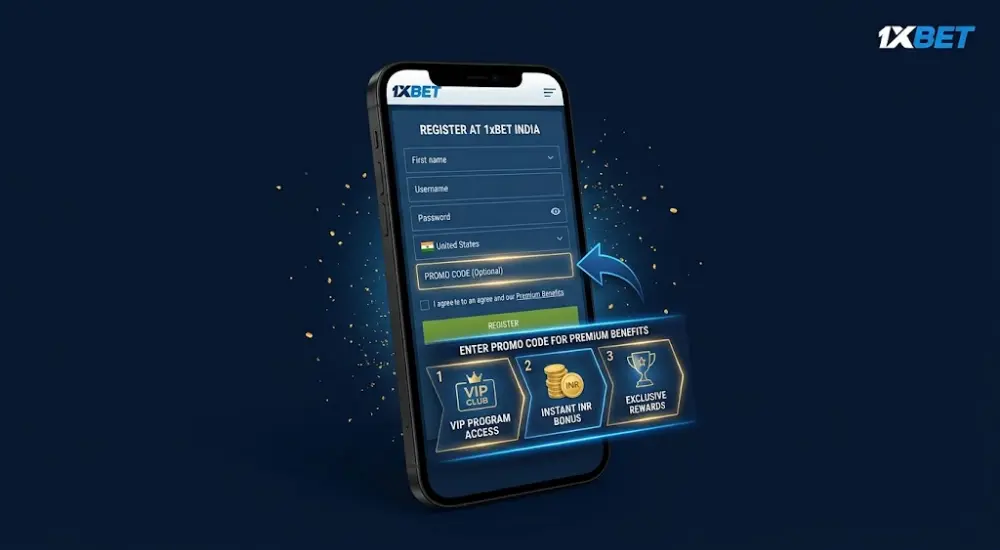
A 1xBet promo code for registration belongs in the signup field when a qualifying campaign provides one. Registration codes and later promotional codes are different categories. Do not assume either can replace the other. INR identifies the balance currency; odds remain numerical prices, not rupee-denominated values.
Where to enter the promo code during registration
- Choose the available registration method and inspect the form.
- Locate the dedicated promo-code field before final submission.
- Enter the code exactly as supplied by the eligible campaign.
- Check the offer’s country restrictions, expiry, qualifying deposits, and wagering conditions.
- Save the applicable terms before confirming any participation.
- Follow the stated activation procedure only where participation is permitted.
Do not assume a registration code can be added retrospectively. Field visibility across all signup methods has not been confirmed.
Claims of 400% packages, ₹50,000–₹70,000 rewards, or a ₹300 minimum require current campaign evidence. They are not universal account terms. A first deposit does not automatically activate every offer.
| Offer condition | What must be checked |
| Bonus percentage | The eligible deposit and maximum credit |
| Multiple-deposit package | Separate conditions for each deposit |
| Minimum payment | The campaign threshold and cashier threshold |
| Wagering requirement | Qualifying bets, time limit, and withdrawal restrictions |
| Regional eligibility | Whether the account and location qualify |
Selecting India and INR
- Enter your genuine country of residence wherever requested.
- Select India only when accurate and available under the applicable terms.
- Select INR only where supported and suitable for the account.
- Check the +91 selector separately from the residence field.
- Review all settings before submitting the form.
- Contact support before attempting to change country or currency later.
INR can reduce currency mismatches, but it does not eliminate every conversion charge. Payment-provider settlement may still involve conversion or fees.
Selecting India does not guarantee UPI, Paytm, or PhonePe availability. A listed payment option does not establish lawful transaction access.
Incorrect residence information can create KYC discrepancies. Currency mistakes can affect account accounting and promotional eligibility, so check both fields carefully.
Account Recovery and Common Issues
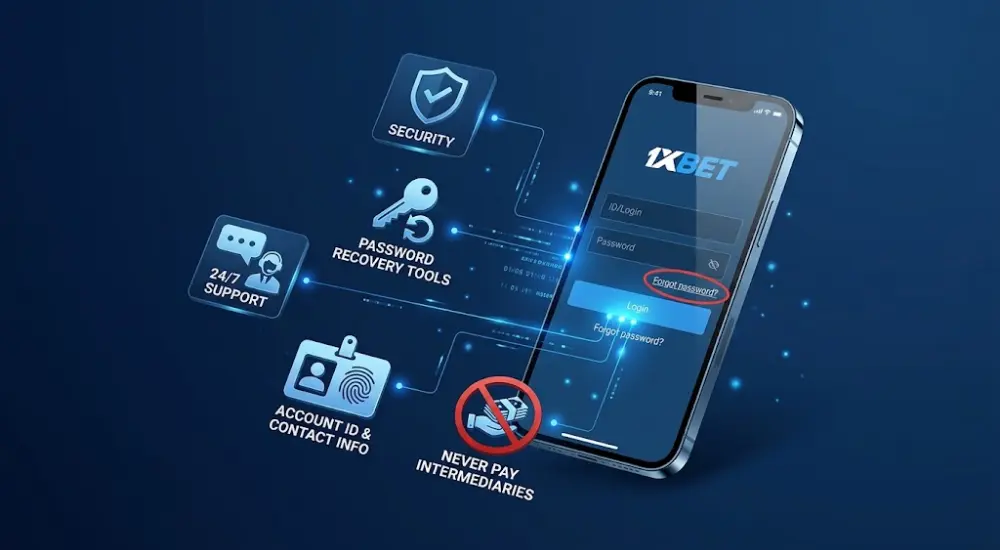
Many access problems can be resolved through recovery tools or support. Resolution depends on contact access, ownership evidence, and the restriction involved. Keep the account ID and registered contact details available. Never pay an intermediary to recover your password.
Forgot password – recovery steps
- Open Log In and select Forgot your password, or the equivalent recovery control.
- Choose email or phone recovery if the form offers it.
- Enter the contact information attached to your existing profile.
- Follow the reset link or enter the latest valid verification code.
- Set a new password that differs from every previous account password.
- Sign in again and review available session controls.
- Contact verified support if neither recovery channel remains accessible.
One-Click users without linked contacts may need manual ownership checks. Provide the account ID and only the supporting information requested through the verified process.
SMS code or activation link not received
- Recheck the phone number, country prefix, or email spelling.
- Inspect spam, junk, filtered messages, and blocked-sender settings.
- Confirm mobile reception and available message storage.
- Wait for the displayed resend timer before requesting another code.
- Use only the newest message after a resend.
- Restart the phone if ordinary SMS messages also fail.
- Check email through another trusted connection if the inbox cannot load.
- Contact support with the request time and delivery problem if failures continue.
Changing Wi-Fi does not normally fix carrier SMS delivery. Carrier filtering, roaming restrictions, and temporary delivery faults may require mobile-provider assistance.
Typical login errors and how to fix them
| Error | Appropriate response |
| Invalid credentials | Check the identifier, keyboard layout, and password; use recovery if needed. |
| Too many failed attempts | Stop retrying and follow the displayed waiting period or support instructions. |
| Authenticator code rejected | Check the selected account entry, code expiry, and automatic device time. |
| Account restricted | Request the reason and required ownership or compliance documents. |
| Website fails to load | Check connectivity, update the browser, and clear relevant site data. |
| App login fails | Check official updates and record the error before contacting support. |
There is no verified universal 15-minute account-lock period. Password recovery also cannot remove every compliance restriction.
A private browser window can identify cookie-related problems. It does not resolve legal blocking or account suspension. Do not use an unverified mirror as a recovery destination.
Security Settings After Registration
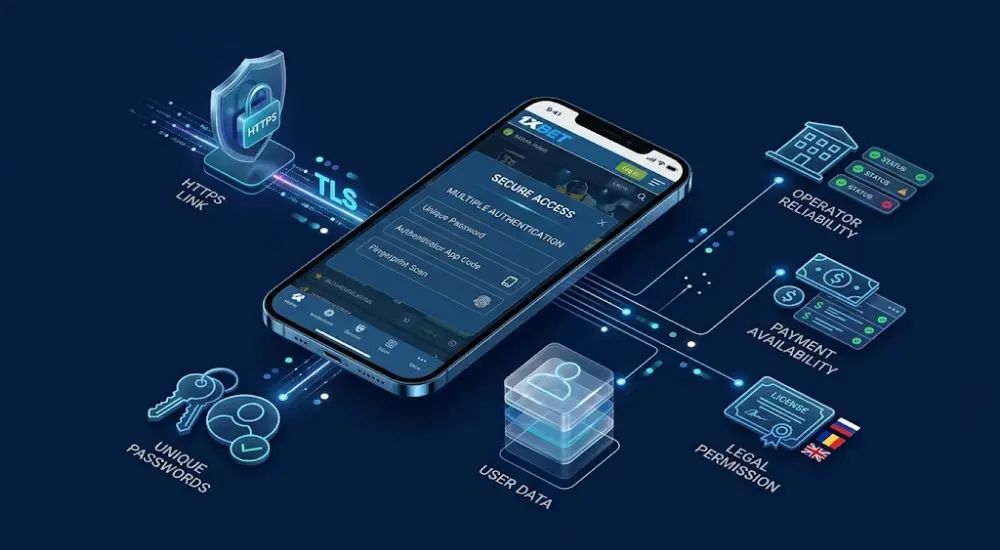
Additional authentication and a unique password reduce account-takeover exposure. HTTPS uses TLS, often described as SSL, to encrypt traffic in transit. Encryption does not prove operator reliability, payment availability, or legal permission. Assessing whether 1xBet is safe requires considering these separate questions.
How to enable two-factor authentication
- Sign in and open your account settings.
- Look for Security, Personal Profile, or a two-factor authentication control.
- Choose Enable if authenticator-based verification is available.
- Install Google Authenticator through its official app-store listing.
- Scan the account’s QR code or enter the supplied setup key.
- Submit the generated verification code to confirm enrolment.
- Store recovery codes securely if the platform supplies them.
- Keep access to the authenticator while checking a subsequent sign-in.
Exact menu labels depend on the website or app version. Never send the QR image or setup key to another person.
Safe login practices
- Bookmark a verified account-access address after checking its authenticity.
- Create a unique password and store it securely.
- Sign out after using a shared device.
- Keep passwords, reset links, and verification codes private.
- Enable biometrics only on your personal phone.
- Review active sessions if that control is available.
- Protect the email account used for password recovery.
- Report unfamiliar activity through verified support immediately.
Authenticator codes work without mobile service after setup. This helps during travel or weak reception. Correct operating-system time remains necessary for valid time-based codes.
Legal Notice for Indian Users
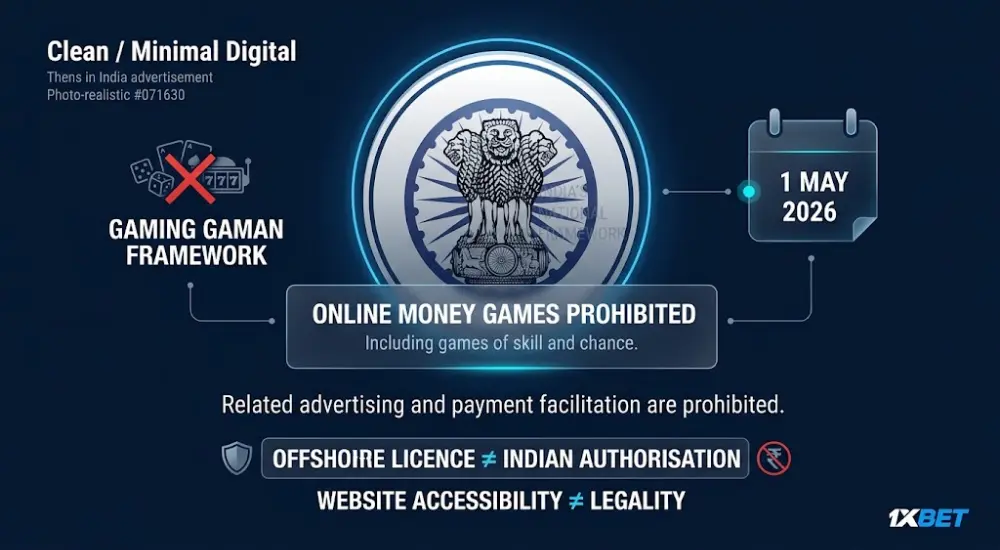
India’s national framework prohibits online money games, including games involving skill or chance. Related advertising and payment facilitation are also prohibited. The 2026 implementing rules took effect on 1 May 2026. An offshore licence does not provide Indian authorisation, and website accessibility does not establish legality.
State-level betting rules
State gambling laws remain relevant alongside national restrictions. Historical differences between state laws do not establish a current permission to use online money games. Describing the service as a general Indian grey area is therefore misleading.
Telangana, Andhra Pradesh, Tamil Nadu, and Karnataka have different legislative and court histories. They should not be presented as having identical, unchanged bans. Any state-specific assessment requires current legislation and applicable court orders.
The question is 1xBet legal in India cannot be answered through a foreign licence or an INR selector. The applicable activity and current Indian law determine the answer.
Important reminder before creating an account
- Confirm that you meet the applicable minimum age, including the platform’s 18+ requirement.
- Check national restrictions and relevant state rules before taking action.
- Do not treat accessible signup or payment forms as legal approval.
- Never use borrowed money or funds needed for essential expenses.
- Supply accurate KYC information only through verified channels when required.
- Seek independent legal advice about uncertain restrictions or existing funds.
Age eligibility and completed KYC do not override a prohibition. This article provides information, not legal advice or encouragement to violate Indian law.
Conclusion
Managing 1xBet account access starts with an accurate identifier, a unique password, and working recovery contacts. Existing users can address forgotten credentials through available reset tools or verified support. Authenticator protection adds another barrier against unauthorised access. Registration methods, app features, and promotional conditions must be checked against the actual interface and account terms. Indian users must also account for national restrictions on online money games. An offshore licence, an INR balance, or an accessible website does not override those restrictions. Keeping account records organised supports recovery and clearer communication when resolving an existing account issue.
Frequently Asked Questions
How do I log in with my account ID?+
Enter your numeric ID and password in the accepted login fields. Complete any additional authentication requested.
Can I register using an Indian mobile number?+
A displayed +91 option describes a technical capability only. It does not establish legal eligibility to register or bet.
Can I add a registration promo code later?+
Do not assume retrospective entry is available. Registration-specific eligibility depends on the applicable campaign terms.
What happens if I lose Google Authenticator access?+
Use an available recovery method or contact verified support. Account ownership checks may be required before access returns.
Is 1xBet banned in India?+
India prohibits online money-game services and related payment facilitation. Offshore licensing does not exempt such services from those restrictions.